


protexatech software
Interface Overview
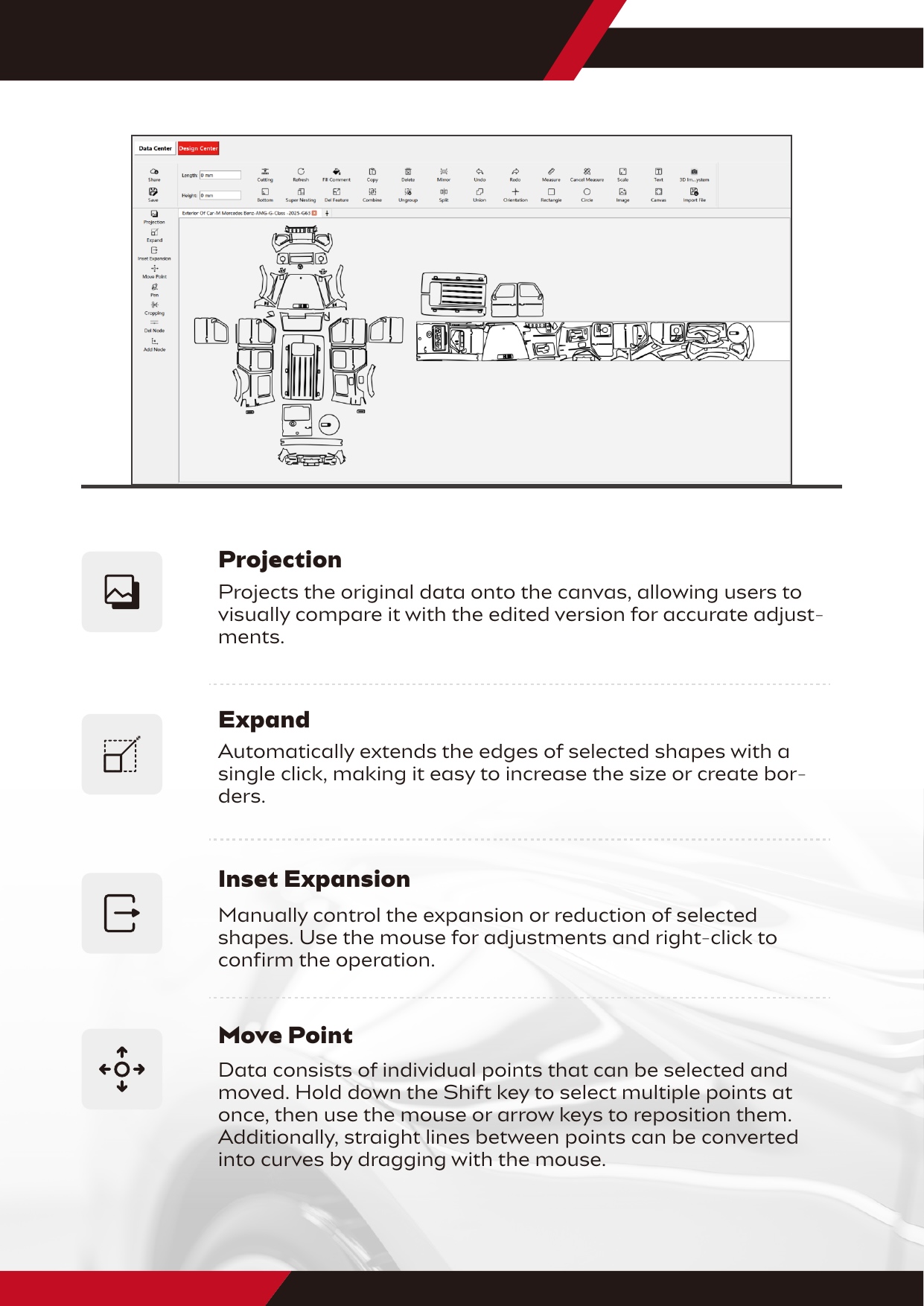
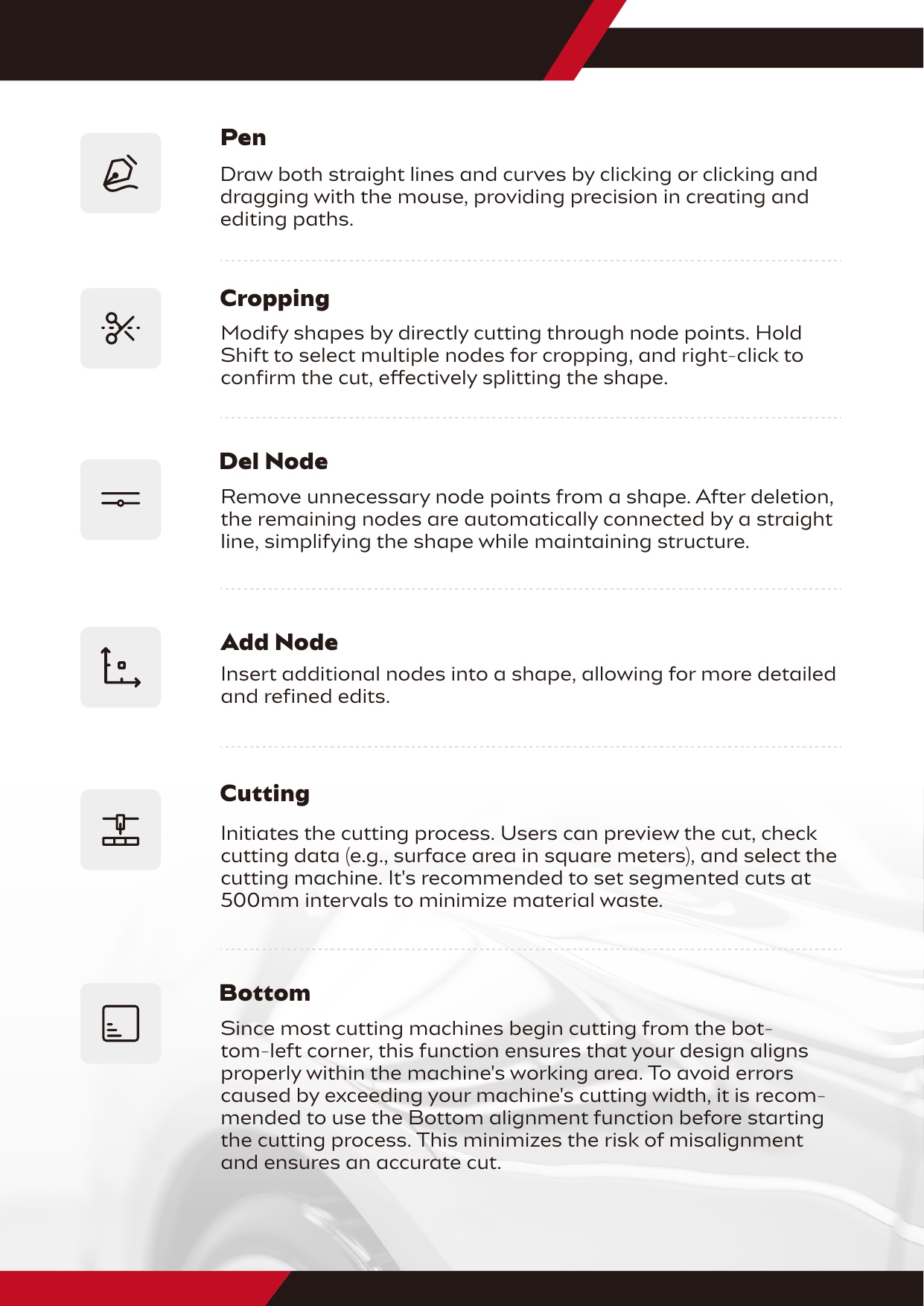
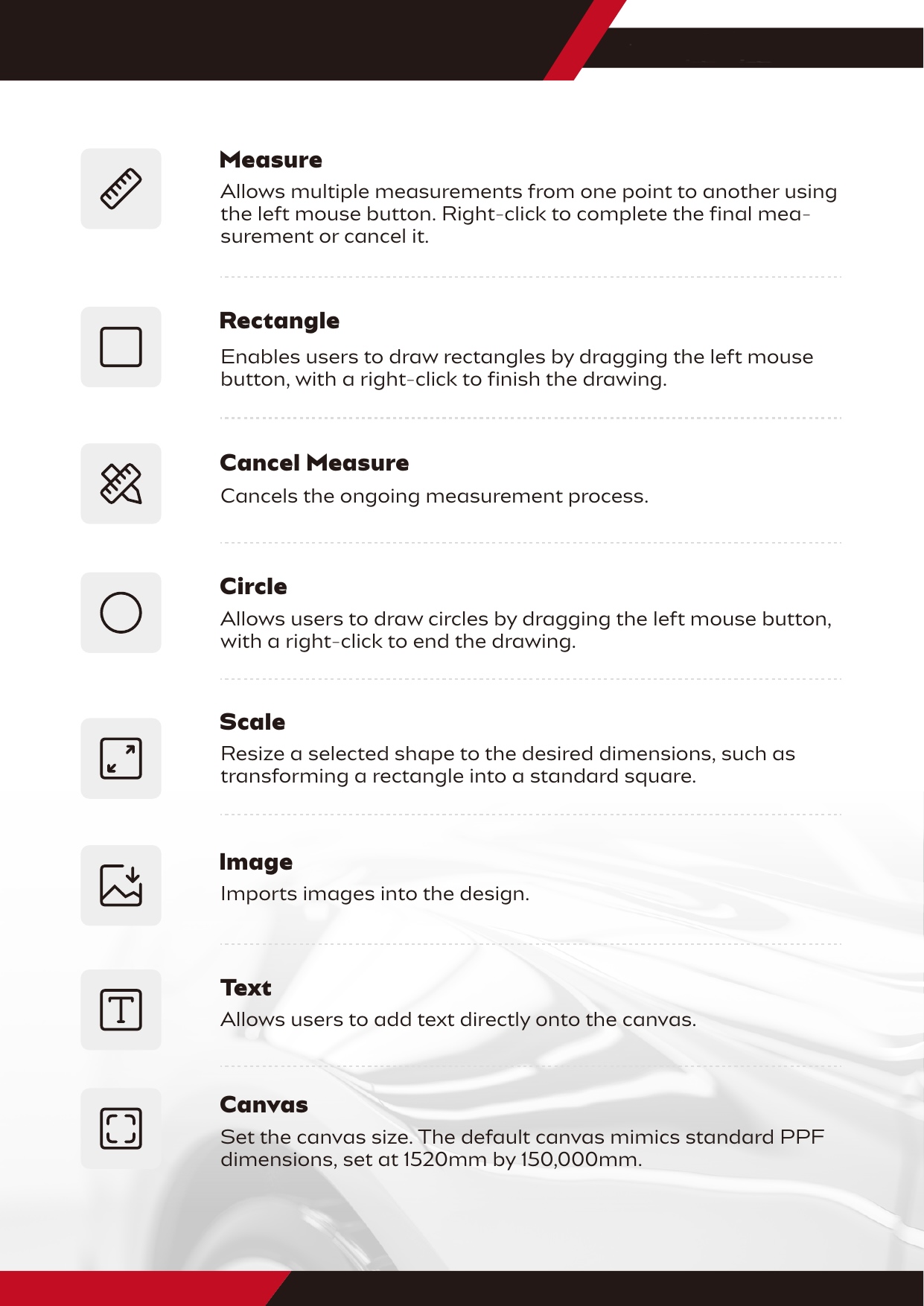
This section will help you get familiar with Protexatech’s
layout, tabs, and basic navigation.
Ideal for beginners who want to quickly learn the basics of navigating the software.
Step-by-Step Visual Guide:
Easy to Use, Powerful Results
After downloading the software, complete the registration process. You will receive your login credentials via email within 24 hours. Each company is eligible for one free trial, during which you can enjoy unlimited cutting and access to all data patterns.
Step 1: Download the software.
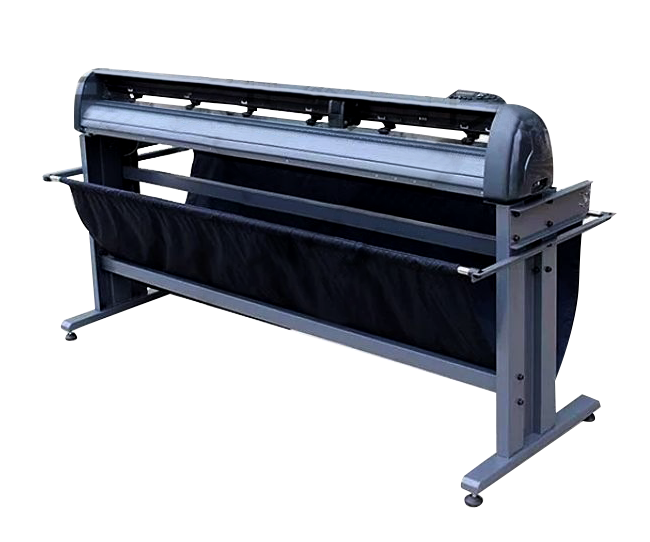
Step 2: Set up your plotter.
The software requires a Windows 10 (64-bit) system, at least 8GB RAM, an i3 processor or better, USB or Serial Port connection, and should not be installed on the C: drive for optimal performance. Please close other software before cutting.
Step 3: Important Notes
ProtexaTech software
Enjoy a free trial with access to all core features.
400,000 data patterns include Exterior of Car, Window Film, Car Interior, Motorcycles, Mobile Electronic Equipment, Pattern Logo Engraving, Sunroof Ice Armor, and Car Partial Protection Kits, with a free trial available.
our blog
News Patters Update

Best Plotters for Use with Pre-Cut Software
When it comes to pre-cut software, choosing the right plotter is crucial…

The Smart Choice for Film Application
In the automotive detailing industry, the method of cutting protective films (PPF)…
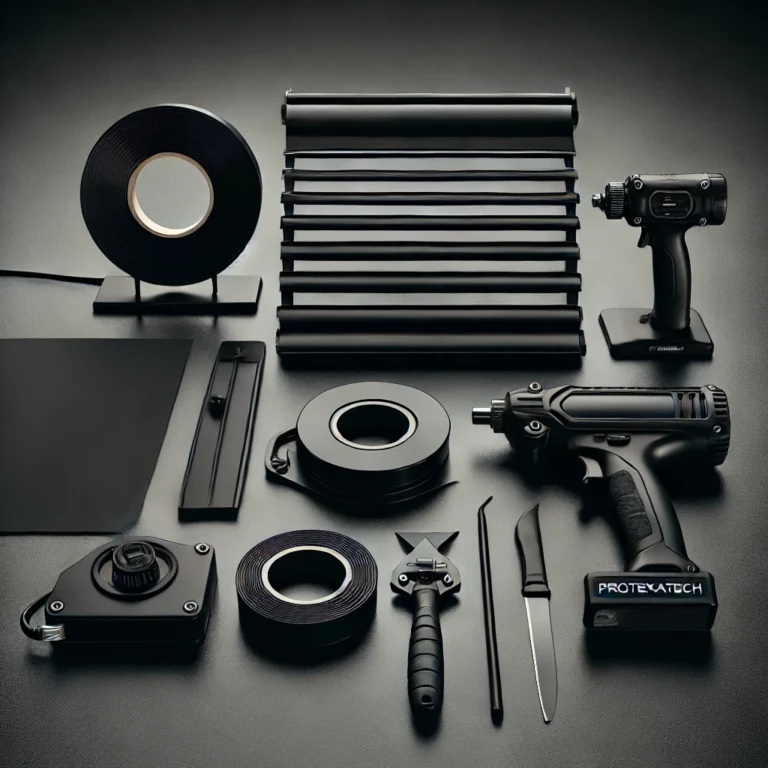
Essential Tools for Beginners in the Car Wrapping Industry
Starting out in the car wrapping industry can be exciting, but it…
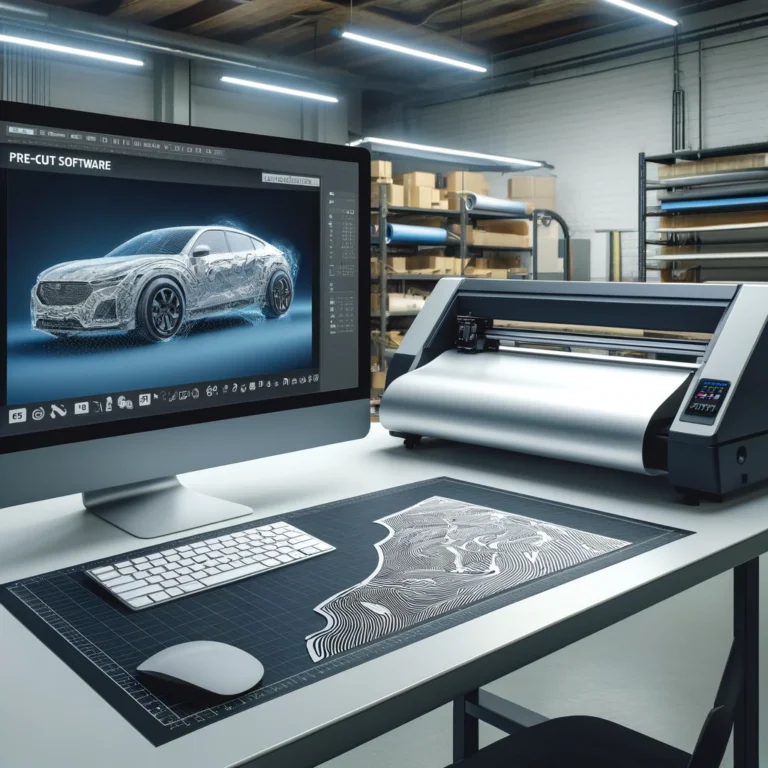
How Pre-Cut Software Can Transform Your Business
Pre-cut software is becoming an essential tool for professionals in the automotive…
